Activation
How to Activate a Steam Key Safely
A Steam key permanently adds an eligible product to the Steam account used during redemption. Pause before confirming: account, product name, region and content type are easier to check before a one-use code is consumed.
Activate in the Steam client
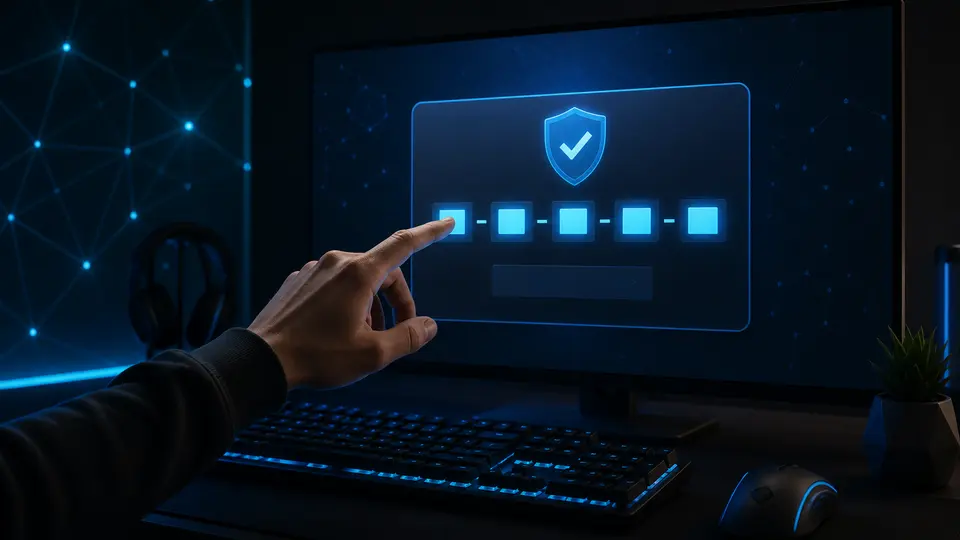
- Open Steam and sign in to the correct account.
- Open the Games menu.
- Choose “Activate a Product on Steam”.
- Follow the prompts and enter the key exactly.
- Confirm the product name before finishing.
Check compatibility first
A Steam key must explicitly identify Steam as the activation platform. Check the operating system, region, language and whether the product is a base game or DLC. DLC normally requires the matching base game on the same Steam account.
Invalid and duplicate errors
An invalid-product message can mean a typing mistake, the wrong launcher, an unsupported key type or a region restriction. A duplicate message means Steam believes the key has already been registered. Capture the exact error and your order reference, but redact most of the code when contacting support.
Do not repeatedly post or share the code while troubleshooting. A legitimate support process may ask for proof of purchase, not public disclosure.
After activation
The game appears in the Steam library of the account that redeemed it. The key generally cannot be transferred to another account. Install from the library and keep the G-Keys order page private as your purchase record.
Continue on G-Keys
Official sources
This guide is written and maintained by G-Keys from primary publisher and platform documentation. Product availability and service rules can change, so verify the linked source before purchase.
RELATED PRODUCTS
Available for your country
KEEP READING