Buyer guide
DLC, Base Games and Bundles: A Compatibility Guide
DLC adds content to a game you already own. It is not normally playable by itself. Most compatibility mistakes happen when one of four things differs: base game, launcher, platform account or region.
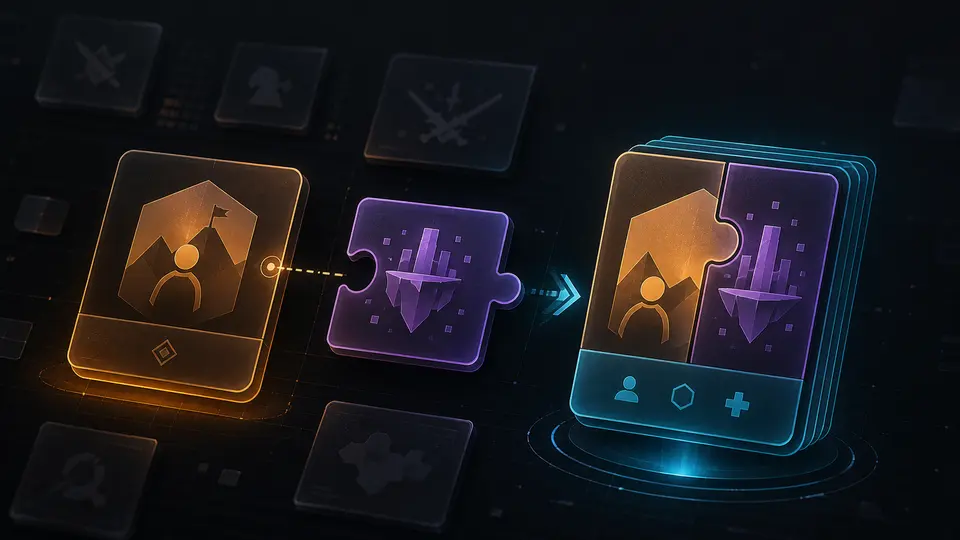
Base game, DLC and standalone expansion
A base game is the main licence. DLC depends on that licence. A standalone expansion is a separate product that can run without the original, but only when the publisher explicitly describes it that way. A season pass usually grants a defined set of future or existing add-ons, not every piece of content forever.
The launcher must match
Owning a game on Steam does not make an Epic, EA, Ubisoft or Microsoft Store DLC compatible. Even on the same PC, the entitlement systems are separate. Match the exact activation platform shown for the base game.
Edition and region checks
Some complete or ultimate editions already include the DLC. Review the account library and edition contents before buying again. On consoles, the DLC region may need to match the base game and account region. A physical disc from one region can complicate an add-on bought in another store region.
Four-step compatibility test
- Name the exact base game and edition you own.
- Identify the launcher or console account holding it.
- Check the product region and account country.
- Confirm that the add-on is not already included in your edition.
Continue on G-Keys
Official sources
This guide is written and maintained by G-Keys from primary publisher and platform documentation. Product availability and service rules can change, so verify the linked source before purchase.
RELATED PRODUCTS
Available for your country
KEEP READING