Activation
How to Redeem an Xbox or Microsoft Store Game Code
Xbox codes attach content to the Microsoft account used at redemption. The important distinction is not merely “Xbox”: it is whether the product grants a console licence, a Windows licence, both through Play Anywhere, a subscription or in-game content.
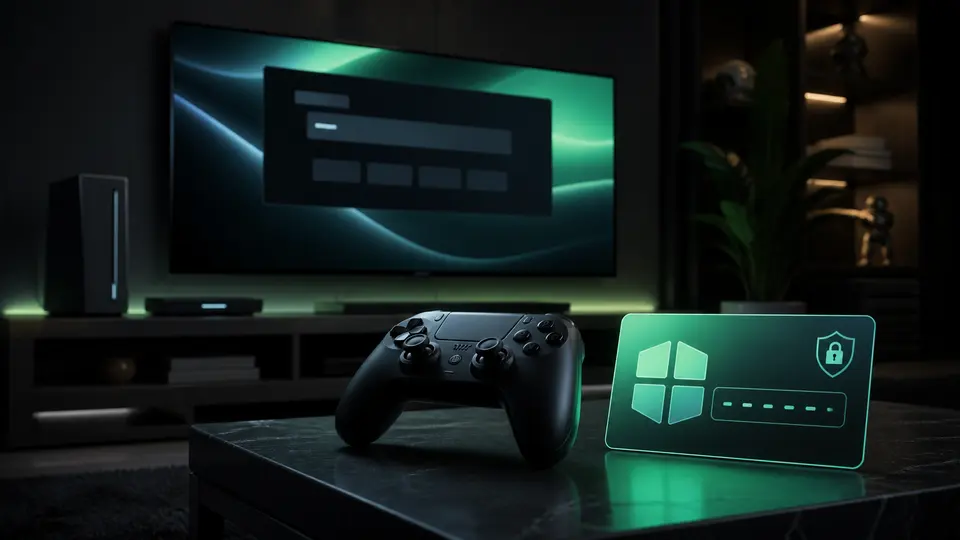
Redeem through Microsoft
- Open Microsoft’s official redeem page or the Store redeem option.
- Sign in and verify the account email or gamertag.
- Enter the code without sharing it elsewhere.
- Read the product confirmation screen carefully.
- Complete redemption and check the game library.
Console, PC and Play Anywhere
An Xbox console key does not automatically create a Steam licence. A Microsoft Store PC key does not automatically grant a console copy. Only products explicitly marked Xbox Play Anywhere include the supported cross-device entitlement.
The same product name can have several activation platforms, so the product’s platform field is more reliable than its cover image.
Subscriptions and add-ons
Game Pass codes can specify a plan, duration, trial eligibility or payment-method requirement. Add-ons and currency need the compatible base game and account ecosystem. Confirm those conditions before redemption because used codes cannot simply be moved to another account.
If redemption fails
Check for typing errors, account region, expiry, prior redemption and service status. Save the exact error text and contact the retailer with the order reference. Do not send a complete unused code in an unprotected channel.
Continue on G-Keys
Official sources
This guide is written and maintained by G-Keys from primary publisher and platform documentation. Product availability and service rules can change, so verify the linked source before purchase.
RELATED PRODUCTS
Available for your country
KEEP READING