Buyer guide
Game Key Region Locks: The Pre-Purchase Checklist
Your physical location, store selection, platform account and code region are related but not identical. A reliable region check starts with the account that will redeem the product.
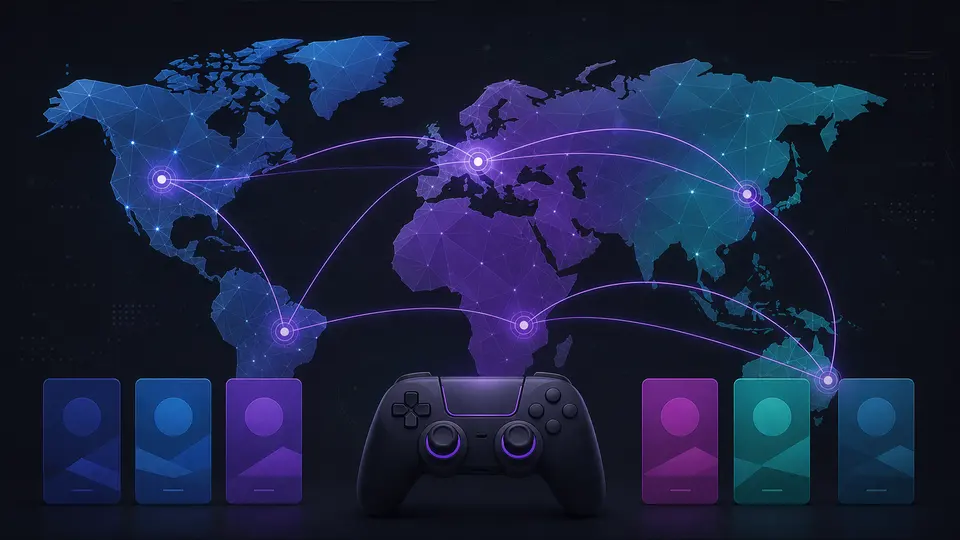
The four region layers
The delivery country is where the buyer intends to use the product. The platform account country controls many voucher and store rules. The product region states the permitted activation area. The publisher can add game-specific restrictions. All four must be compatible.
A VPN does not change the legitimate account entitlement and can trigger fraud or terms-of-service problems. It is not a region-compatibility solution.
What common labels mean
“Europe” generally describes a group of accepted countries, but the exact group can vary by product. “Global” means broad availability, not every platform or every legal territory without exception. Country-specific products should be redeemed only on matching eligible accounts.
Use the product page’s availability decision for your selected country, then confirm the receiving account.
Platform differences
PlayStation and Nintendo vouchers are strongly tied to account region. Xbox products can vary by product type and publisher. PC launchers may use activation regions, run regions, language restrictions or a combination. Always read the listing rather than transfer a rule from one platform to another.
Checklist before payment
- Select the real delivery country.
- Open the receiving platform account and verify its country.
- Confirm the activation launcher and device.
- Read the product’s region label and exclusions.
- Check base-game and DLC region compatibility.
- Stop if any field is missing or contradictory.
Continue on G-Keys
Official sources
This guide is written and maintained by G-Keys from primary publisher and platform documentation. Product availability and service rules can change, so verify the linked source before purchase.
RELATED PRODUCTS
Available for your country
KEEP READING