We sell digital game keys, downloadable content, subscriptions, gaming credit and related products. The product page states the product type, platform and known region limitations. You are responsible for selecting a product compatible with your account, platform and country.
3. Prices and payment
The total price shown at checkout includes applicable tax where we have verified the tax treatment. Payments are processed securely by Stripe. We do not store complete card details.
4. Immediate delivery
By confirming checkout, you expressly request that delivery of the digital content begins immediately after payment and acknowledge that any statutory withdrawal right can be lost once delivery has begun, where applicable law permits. Your statutory rights for defective or misdescribed products are not affected.
5. Delivery and account security
Delivery is made through a private order page. Keep the order link and activation key confidential. Do not share or resell a key unless the product terms expressly allow it.
6. Refunds and support
Our refund policy explains when a refund can be made. Contact support before attempting chargebacks so we can investigate invalid or undelivered products.
7. Governing law
These terms are governed by Norwegian law. Mandatory consumer rights in your country remain applicable.
LEGAL
Privacy policy
What we collect and why we need it.
Pre-launch privacy information. A final controller address, organisation number and retention review are required before real sales.
Controller
Loddo AS operates G-Keys. Privacy requests can be sent to support@g-keys.com.
Data we process
We process your email, selected and billing country, order contents, payment identifiers, delivery status, support correspondence, security logs and fraud signals. Stripe processes card information. Kinguin supplies product and delivery data. Hostinger provides email and infrastructure services.
Purposes and legal basis
We use the data to perform the purchase contract, deliver products, prevent fraud, comply with accounting and tax obligations, handle support, and protect the service. We do not sell personal data.
Retention
Order and accounting records are retained for the period required by law. Records needed for EU OSS reporting may need to be retained for ten years. Short-lived security and administrator login records are retained only as necessary to protect the service.
International processing
Some suppliers may process information outside Norway or the EEA. We require an appropriate legal transfer mechanism where applicable.
Your rights
Depending on applicable law, you may request access, correction, deletion, restriction, portability or object to processing. You may also complain to the Norwegian Data Protection Authority.
Local storage
The site stores your selected country, shopping bag and private order shortcut in your browser. These are necessary for the shopping experience and are not advertising cookies.
SUPPORT
Refund policy
Clear rules for digital delivery.
Before delivery
If payment was taken but no key has been purchased or delivered, contact us promptly. We can normally cancel and refund the order after verifying its state.
After a key is delivered
A delivered or revealed digital key normally cannot be returned for a change of mind. This is because the product can no longer be reliably resold. This does not limit your rights if the key is invalid, materially misdescribed or not compatible with the region and platform shown at purchase.
Invalid keys
Contact support@g-keys.com with your order reference and the activation error. Never send the full key in an untrusted channel. We may ask for screenshots and activation details to verify the issue with the supplier.
Refund timing
Approved refunds are submitted to the original payment method. Banks and card issuers can take several business days to display the credit.
⚲
Start typing to search the G-Keys catalog.
Update explained
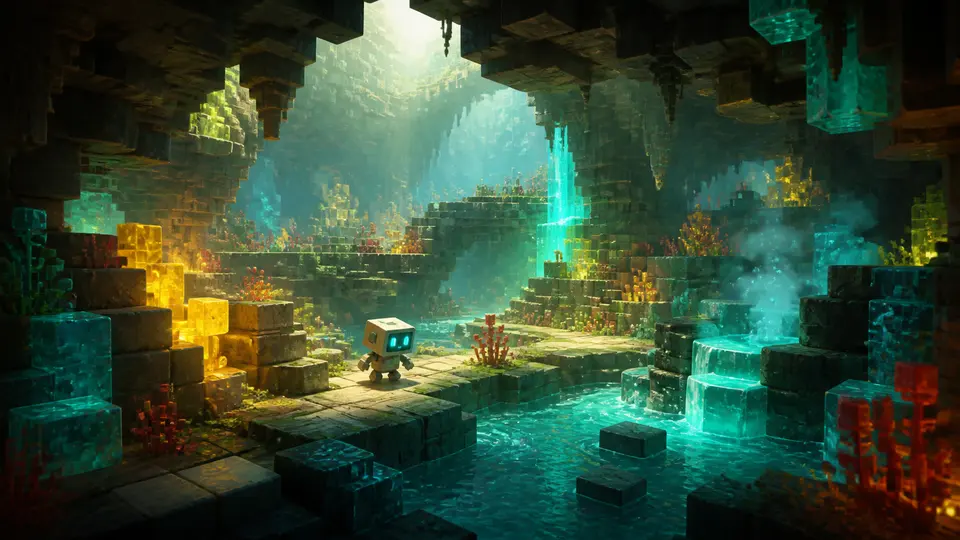
Minecraft Game Drops, Snapshots and Previews Explained
Minecraft now delivers themed game drops and makes work-in-progress features available through Java snapshots and Bedrock previews. The naming matters because a test build is not the same thing as the stable version most players should use for a long-running world.
G-Keys editorial desk6 min read
Stable release versus test build
A stable release is intended for ordinary play. A snapshot, preview, beta or release candidate exists to validate changes before or around a wider release. Features can change, bugs can block progress and a test version can modify world data in ways that are difficult to reverse.
Mojang explicitly warns testers to back up worlds or use a separate folder. That advice remains useful for every future drop, regardless of its theme.
Java and Bedrock use different test channels
Java Edition exposes snapshots and release candidates through launcher installations. Bedrock features usually appear through Preview or Beta channels on supported devices. A feature visible in one channel may not yet be available in the other, and multiplayer servers generally require matching versions.
How to test safely
Create a new test world instead of opening your primary save.
Make an offline backup before changing versions.
Confirm that everyone on a shared server uses the same build.
Expect experimental mechanics and recipes to change.
Return to stable releases for important long-term worlds.
Buying the right Minecraft product
Check the edition, device and account ecosystem before buying. A console code, PC licence, add-on, currency pack and subscription are not interchangeable. Product names should be read alongside the platform and content-type labels.
This guide is written and maintained by G-Keys from primary publisher and platform documentation. Product availability and service rules can change, so verify the linked source before purchase.


 Instant digital delivery
 Region checked before purchase
 Secure Stripe payment
 Support when you need it